EmbroViewer › Sample designs
Sample embroidery files
Download the examples used in EmbroViewer. Compare artwork with the recorded stitch path, check dimensions and try the viewer before opening a customer design.
These images show stitch simulations. They are not physical sew-out photos or production-quality guarantees. Test any generated design on matching scrap fabric before sewing a garment.
Fern wreath · PES
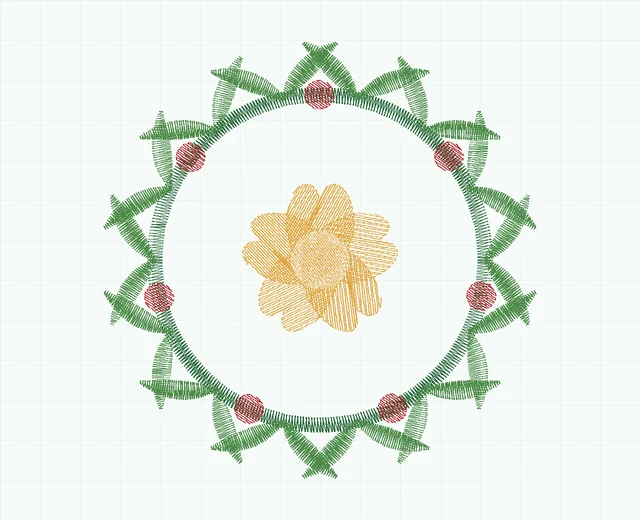
A five-colour example for checking PES playback, dimensions and colour sequence.
Vector badge · SVG, DST and PES

Compare vector artwork with the exported stitch files. DST needs a separate colour reference; PES stores palette information.

What to compare
- Open each stitch file and note its dimensions and stitch count.
- Play the sewing order and look at jumps between disconnected shapes.
- Use the hoop outline as a fit reference, and export a PNG or thread list.
For more checks, read how to inspect a design before sewing.
Open the free embroidery viewer
Last updated 2026-09-30