EmbroViewer SVG to PES converter
Guide

EmbroViewer / SVG to PES converter

SVG to PES converter

Create PES embroidery files from SVG artwork. Set design size, generate stitches, preview the sequence and export for Brother or Baby Lock.

Free · private · no account

Open an embroidery file

Drag files anywhere in this window, or pick them from your computer. Everything is read in your browser — nothing is uploaded.

DST · PES · PEC · JEF · EXP · VP3 · HUS · XXX · U01
colour files: COL · EDR · INF · or drop an SVG to digitize
How it works, supported formats & FAQ ↓

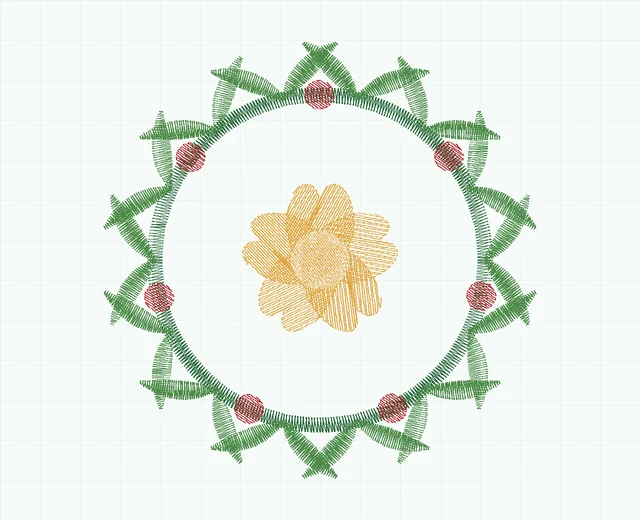
Fern wreath embroidery stitch preview showing 5 colour blocks
Fern wreath · stitch simulation10,478 stitches · 5 colour blocks · 78.6 × 79.2 mm
0 / 0 100%

SVG to stitches

Digitizing works from the vector outlines in your SVG, so edges come out exactly as drawn. A stroked path becomes a satin column of that path's own width; a filled shape gets underlay, angled fill rows and a sealed edge; narrow filled shapes — outlined lettering — are found and satined across the stroke. Export from Illustrator, Figma, Inkscape or Affinity with text converted to outlines.

Artwork nothing loaded

Drop an .svg file here.

vector only — PNG and JPEG are not digitized

Stitch settings

—
0.42 mm
3.2 mm
Advanced
9.0 mm
0.9 mm
1.0 mm²
0.12 mm

Load an SVG to start.

Free · private · no install

SVG to PES converter — free and online

Make a Brother / Baby Lock PES file from SVG artwork. Drop an SVG into the converter above, choose the size, generate stitches, check the sew-out preview, then save as PES (or DST).

How the converter digitizes your SVG

How to convert SVG to PES

  1. Scroll up — the Convert tab is already open. Drop your .svg file in, or click Choose SVG.
  2. Set the design width in mm, then adjust density and stitch length if needed.
  3. Click Generate stitches and check the notes for anything too thin to sew.
  4. Open the result in the viewer to play the sew-out, then save it as PES.

New to this? Read how to prepare an SVG for embroidery.

Choose the final size before generating PES stitches

Set your intended width before generating. Scaling a finished stitch file is different from regenerating stitches from its vector artwork. Inspect small lettering, narrow gaps and colour order, and keep the resulting design within your machine's sewing area. The converter exports PES stitch data, not an editable Wilcom EMB project.

Prepare a logo for SVG to PES conversion.

Example of vector artwork turned into stitches

Vector badge embroidery stitch preview showing 7 colour blocks
Vector badge · stitch simulation4,015 stitches · 7 colour blocks · 120.4 × 57.2 mm

This is a simulation of the bundled vector badge, rather than a photograph of embroidery. Download the sample artwork and stitch files to inspect the workflow.

Private: your file is never uploaded

EmbroViewer reads the file with code running in your own browser. Nothing is sent to a server, there is no sign-up, and it works on Windows, Mac, Chromebook, iPad and Android.

Frequently asked questions

Will the PES file work on my Brother machine?

EmbroViewer writes PES version 1 with a PEC block, which Brother and Baby Lock machines read. Keep the design within your hoop size and sew a test first.

Can I use a Cricut or Silhouette SVG?

Often yes — cutting SVGs are clean vector shapes. Very thin lines may need thickening to at least 1.2 mm at your chosen size.

Other embroidery tools

Guides

Last updated 2026-09-30

Release to load